Backlinks can disappear for reasons unrelated to your SEO strategy. A page may be deleted, a URL may change during a site update, or another website may remove a link from an article. When that happens, a backlink you previously earned may no longer provide the connection it once did. Link reclamation helps you identify these lost opportunities and determine whether they are worth recovering. By checking what changed and applying the right fix, you can preserve valuable links without treating every lost backlink as a problem that needs immediate attention.
What Is Link Reclamation?
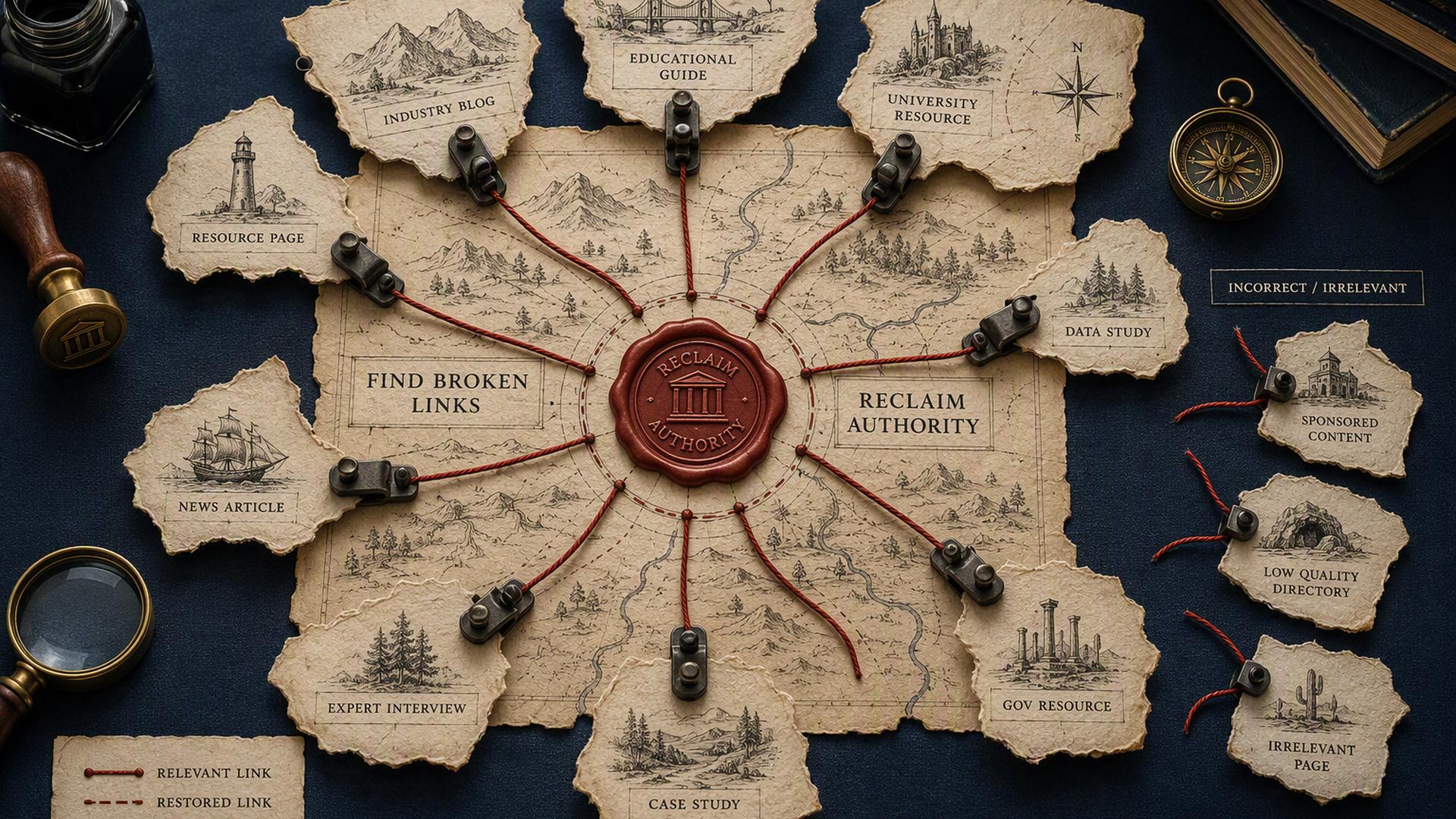
Link reclamation is the process of finding backlinks that once pointed to your website but were removed, broken, or affected by changes to a URL or page, then taking the appropriate steps to recover them. The goal is not to collect as many links as possible. It is to identify valuable links that are no longer working as intended and determine whether recovering them is worthwhile.
For example, a website may link to one of your guides, but that guide later moves to a new URL. The external site still points to the old address, which now returns a 404 error. You may be able to restore the old page, redirect it to the relevant replacement, or ask the publisher to update the link.
This is different from finding an unlinked brand mention or building a link from a broken resource on another website. Those tactics can lead to new backlinks, while reclamation focuses on recovering a link or link relationship that already existed.
Why Do Backlinks Get Lost?
A backlink can disappear even when you have not intentionally changed anything about your SEO strategy. In many cases, the cause is a routine website update, content cleanup, or URL change. Understanding what happened is important because the right recovery method depends on the cause.
A Link Is Removed From the Page
A publisher may update an article and remove some external links, replace a resource, or restructure the content. If your link is no longer present, the only way to recover it may be to contact the site owner and determine whether there is still a good reason to include it.
The Linked Page Is Deleted
If the page receiving the backlink is deleted, the external link may still exist but lead visitors to a 404 page. The referring site has not necessarily removed your backlink. The problem is that the destination no longer works.
A URL Changes
Website redesigns, content restructuring, and migrations often change page URLs. If an old URL is not properly redirected, backlinks pointing to it can lead to a dead page. A relevant redirect or restoration of the original URL may resolve the problem.
The Page Moves to a Different URL
Sometimes the content still exists, but it has been moved elsewhere. This is different from deleting the page entirely. If the old address redirects correctly to the new one, there may be little to fix. If it does not, the old backlink may need attention.
The Referring Page Changes or Disappears
The website linking to you may remove the page, change its URL, or substantially revise its content. In these cases, the original backlink may no longer be recoverable, so it is worth checking whether the referring site still has another relevant page where the resource belongs.
An SEO Tool Reports a Lost Link
A “lost backlink” label in an SEO platform is a useful signal, but it should not be treated as proof on its own. Crawling delays, redirects, page changes, and differences in how tools collect backlink data can affect what is reported. Checking the referring page and destination yourself helps confirm whether there is an actual problem.
How the Link Reclamation Process Works
Once you identify a potentially lost backlink, the next step is not immediately sending an outreach email. A useful recovery process starts by confirming what happened, assessing whether the link is worth recovering, and then choosing a fix that matches the problem.
1. Find Potentially Lost Backlinks
Start with a backlink analysis tool that can show links reported as lost or broken. Look at the referring page, referring domain, target URL, anchor text, and the date or period when the link disappeared.
You can also use Google Search Console to review the external links Google has found pointing to your site. However, its Links report is not a complete list of every backlink, so it works best as one source of information rather than your only method for finding lost links.
The goal at this stage is to build a list of potential problems, not assume that every reported loss requires action.
2. Verify the Link Loss
Before contacting anyone, visit the referring page and check the backlink yourself. Confirm whether the link has actually been removed and test the URL it points to.
If the link still exists, check whether it leads through a redirect or reaches the intended page. If the destination returns a 404 or another error, the issue may be with your website rather than the referring site.
This verification step prevents unnecessary outreach and helps you identify the actual problem before deciding how to fix it.
3. Determine Why the Link Was Lost
Once you confirm there is a problem, identify what caused it. Was the link removed from the article? Did the destination page disappear? Did a website migration change the URL? Was the referring page deleted?
The answer determines what you should do next. A deleted destination may call for a restoration or relevant redirect, while a deliberately removed link may require a conversation with the publisher. Treating both situations the same usually leads to unnecessary work.
4. Decide Whether the Link Is Worth Reclaiming
Not every lost backlink deserves your time. Prioritize links from relevant pages and websites, particularly when they can send useful referral traffic or point to an important resource on your site.
Consider the quality and relevance of the referring page, the context of the link, the value of the destination page, and the effort required to recover it. A low-value or irrelevant backlink may not justify spending time on outreach or technical changes.
5. Recover the Link
The appropriate fix depends on what you found during the investigation.
- Restore the original page when the deleted URL still represents a useful resource that should exist.
- Redirect the old URL when the content has permanently moved to a closely related page. The replacement should make sense for users who follow the old link rather than simply sending them to the homepage.
- Fix broken internal links when outdated URLs on your own website are contributing to the problem. Updating those links keeps visitors and crawlers from being sent to obsolete addresses.
- Contact the referring website when the publisher removed the backlink but the page still has a clear reason to reference your resource. Keep the request specific and explain why the existing content would benefit from the link.
- Request a URL update when the referring site still links to your resource but uses an outdated address. If the publisher is willing to make the change, a direct update can be preferable to relying on a redirect.
6. Verify the Reclaimed Link
After making the fix, check the result instead of assuming the problem is solved. Confirm that the referring page contains the link, the target URL loads correctly, and any redirect leads to the intended destination.
If you contacted another website, give its owner time to make the change. Backlink databases may also take time to recrawl the page and reflect the updated status. The final check should confirm that the original problem has actually been resolved, not simply that a change was requested.
Does Link Reclamation Help SEO?
Recovering a relevant backlink can help preserve a connection your site had already earned from another website. If a valuable page was deleted, for example, restoring the page or directing its old URL to a relevant replacement can make the existing external link useful again. The benefit is not limited to search engines either. Visitors who follow the link can still reach the resource they were expecting.
However, recovering a backlink does not guarantee higher rankings or restore a specific amount of ranking value. Google evaluates links as part of many signals, and the relevance, context, and quality of a link matter more than simply increasing the number of recovered backlinks. For that reason, the strongest opportunities are usually valuable links that are relevant to the page and still make sense for users.
Common Link Reclamation Mistakes
- Trying to recover every lost backlink: Not every lost link is valuable enough to pursue. Prioritize relevant, useful links from credible pages rather than spending time on low-value or irrelevant backlinks.
- Treating a “lost” status as proof: SEO tools rely on their own crawls and databases. A reported loss should be checked against the live referring page and destination because the link may still exist or the issue may be a redirect or broken URL.
- Redirecting every old URL to the homepage: A redirect should lead to a relevant replacement. Sending unrelated URLs to the homepage simply to avoid a 404 can create a poor user experience and does not necessarily provide an appropriate destination.
- Asking for a link when the page is no longer relevant: A publisher has little reason to restore a link if your resource no longer supports the content. The request should make sense for the referring page and its readers.
- Assuming a recovered link guarantees better rankings: Restoring a valuable backlink can preserve a useful connection, but it does not guarantee improved rankings. Search visibility depends on many factors beyond an individual link.
Conclusion
Link reclamation is most effective when you treat a lost backlink as a problem to diagnose rather than a link to recover automatically. Find the reported loss, verify what changed, determine whether the link is valuable, and use the appropriate fix, whether that means restoring a page, redirecting a URL, fixing a technical issue, or contacting the referring site. The goal is to recover valuable links where there is a clear benefit, not simply increase the number of backlinks in your profile.