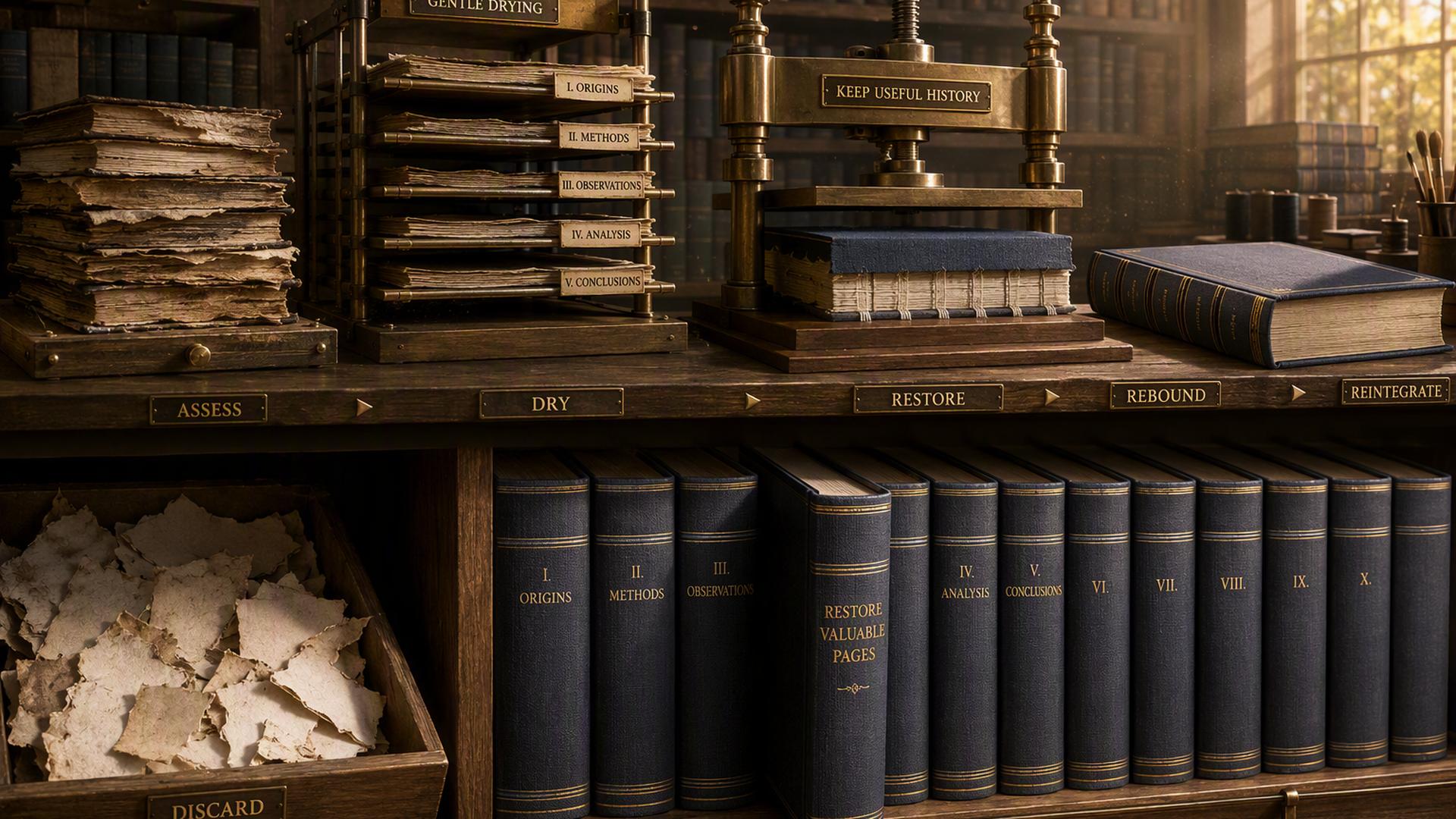
When a domain expires, its website can disappear even though valuable pages, images, and URLs may still exist in archived copies. If you have acquired the domain, you may be able to recover parts of its previous site instead of rebuilding everything from scratch. The challenge is knowing what can actually be recovered and how to bring it back without carrying over outdated, broken, or irrelevant material. Restoring an old site is therefore more than copying archived pages. It involves identifying useful material, rebuilding the right parts, and preparing them for a current audience.
What Can You Recover From an Expired Domain?
An expired domain does not automatically come with the files, database, or hosting account used by its previous owner. What you can recover depends on whether copies of the old site were preserved elsewhere, particularly through web archives.
In many cases, you can recover parts of the site’s publicly accessible material, including:
- Web pages and text: Archived HTML pages can preserve the original copy, headings, navigation, and basic page structure.
- Images and media: Some images, PDFs, and other publicly accessible files may have been captured along with the pages that referenced them.
- Historical URLs: Archived pages can reveal the site’s previous URL structure, including individual page paths that may still be useful.
- Page-level information: Titles, descriptions, internal links, and other elements visible in archived pages may also be recoverable.
However, an archive should not be treated as a complete website backup. It generally cannot restore databases, user accounts, login systems, form submissions, private data, or server-side functionality. Dynamic features may also be incomplete or unusable because the archive records the site’s public-facing output rather than the systems running behind it.
This distinction matters because restoration is usually a rebuild based on available historical material, not a simple recovery of the original website files.
How to Find and Recover Content From an Expired Domain
Once you know what may be available, the next step is to locate the site’s historical pages and determine what can actually be rebuilt. The Wayback Machine is usually the best starting point because it stores snapshots of publicly accessible websites at different points in time.
However, one snapshot rarely tells the whole story. Older versions may contain pages or assets that disappeared from later captures, while newer snapshots may reflect changes made shortly before the domain expired. Comparing several dates gives you a clearer picture of which version represents the site you want to restore.
Review Archived Versions
Enter the domain into the Wayback Machine and review its capture history across different dates. Look for a period when the site was active, and its purpose, structure, and subject matter were consistent.
If the domain changed hands, pay close attention to those transitions. Later snapshots may contain unrelated or low-quality material that has little connection to the site’s earlier version. Open important pages from different dates to check whether their text, images, and links were captured properly.
Map the Old URLs
Before rebuilding anything, create a record of the pages that are worth recovering. Note their original URL paths, page titles, available snapshots, and important assets.
Prioritize pages that were part of the main navigation, provided substantial information, or remain relevant to the site you plan to rebuild. This gives you a clear recovery list instead of trying to reproduce every URL found in the archive.
Recover Pages and Assets
Use the best available snapshots to recover the selected pages and their associated files. Depending on how well the site was archived, this may include HTML, text, images, PDFs, stylesheets, and other front-end resources.
Some files will inevitably be missing. An archived page may load without its images, reference unavailable files, or contain broken stylesheets. Check other snapshots for missing resources first. If they cannot be recovered, replace them with suitable alternatives rather than leaving broken elements in place.
Rebuild the Site Structure
Once the individual pages are recovered, rebuild the parts of the original structure that still make sense, including navigation, categories, internal links, and useful URL paths.
Review internal links as you go. Archived references may point to obsolete locations, unavailable files, or other pages that you have chosen not to restore. Replace those links with working destinations or remove them when no suitable destination exists.
Which Expired Domain Content Should You Restore?
Finding an old page does not mean it should automatically go back online. Review each page against the current site’s purpose and decide whether to restore, improve, consolidate, redirect, or leave it out.
- Restore it when the page is still relevant, useful, and closely matches the purpose it originally served. Keeping its original URL can make sense when the page remains substantially the same.
- Update or rewrite it when the topic is still valuable but the information, links, examples, products, or recommendations are outdated.
- Combine it when several old pages cover the same subject. Consolidating their useful information into one stronger page can be better than rebuilding multiple overlapping URLs.
- Redirect it when the original page has a legitimate, closely related replacement but does not need to exist separately. Use a relevant destination rather than sending visitors to an unrelated page.
- Leave it out when the page is thin, spammy, irrelevant, obsolete, or no longer useful to visitors.
- Check usage rights before republishing old text, images, documents, or other creative material. Finding something in an archive does not automatically give you the right to republish it.
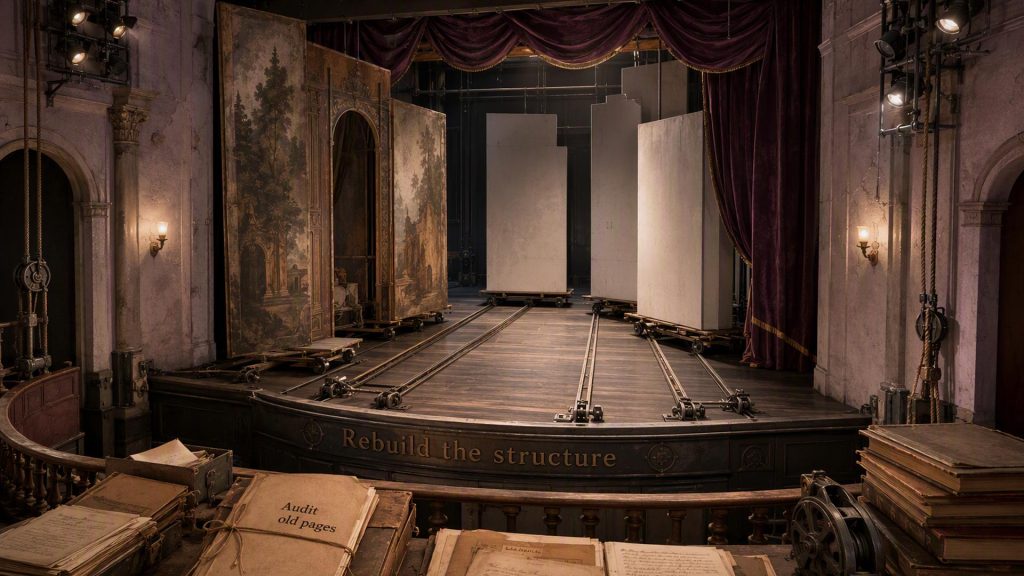
The objective is not to recreate the old site page for page. It is to recover the parts that still make sense and rebuild them into a useful site today.
How to Relaunch Restored Expired Domain Content
Once you’ve decided which pages are worth keeping, the next step is to turn the recovered material into a working site. This is where archived pages need to be cleaned up, updated, and tested rather than simply placed back online.
- Rebuild the selected pages at the appropriate URLs. Keep the original URL when it still makes sense, and the page serves substantially the same purpose. Otherwise, choose a clearer current URL and plan how the old address should be handled.
- Update outdated information. Replace obsolete facts, broken references, discontinued products or services, and old contact details before publishing.
- Fix links and missing assets. Replace broken internal and external links, recover missing images where possible, and remove references to archived copies or unavailable files.
- Review page elements. Check headings, titles, descriptions, images, canonical URLs, and internal links so they accurately reflect the rebuilt page.
- Check the site’s technical setup. Make sure the pages return the intended status codes, load properly, work on mobile devices, and are not unintentionally blocked from crawling or indexing.
- Update the XML sitemap. Include the URLs you actually want search engines to discover and index, rather than automatically adding every historical URL.
- Test before launch. Visit the restored pages as a user would. Check navigation, forms, downloads, images, redirects, and important internal links for problems.
- Monitor after launch. Use Google Search Console and your analytics platform to identify indexing problems, crawl errors, traffic changes, and pages that need further attention.
A successful relaunch is not about making the site look exactly as it did years ago. The goal is to make the recovered material function as a reliable, current website.
What Happens to Old URLs, Backlinks, and SEO Value?
When an old page is restored at its original URL, links pointing to that address once again have a working destination. If the page has moved to a closely related URL, a 301 redirect can connect the old address to the replacement. When no relevant replacement exists, a 404 or 410 is generally more appropriate than redirecting the URL somewhere unrelated.
Restoring an old URL does not automatically restore its previous rankings or SEO value. The usefulness of its backlinks depends on factors such as relevance and the quality of the current destination, while search visibility depends on the site’s current content, relevance, quality, and technical condition. Google’s current guidance also distinguishes legitimate restoration from expired-domain abuse, which involves using an expired domain primarily to manipulate search rankings with low-value content.
In practice, restoring a historical URL can preserve useful connections to the old site, but it should support a relevant, useful website rather than serve as a shortcut to recover rankings.
Conclusion
Restoring an expired domain is not simply a matter of copying old pages from an archive and putting them back online. The better approach is to recover the useful parts, evaluate whether they still serve a purpose, update what has become outdated, and rebuild the site around content that remains relevant.
When historical URLs, pages, and backlinks still have value, preserving them can provide a stronger foundation for the rebuilt site. But restoration should ultimately be driven by usefulness and relevance, not the assumption that bringing an old site back will automatically recover its previous SEO performance.