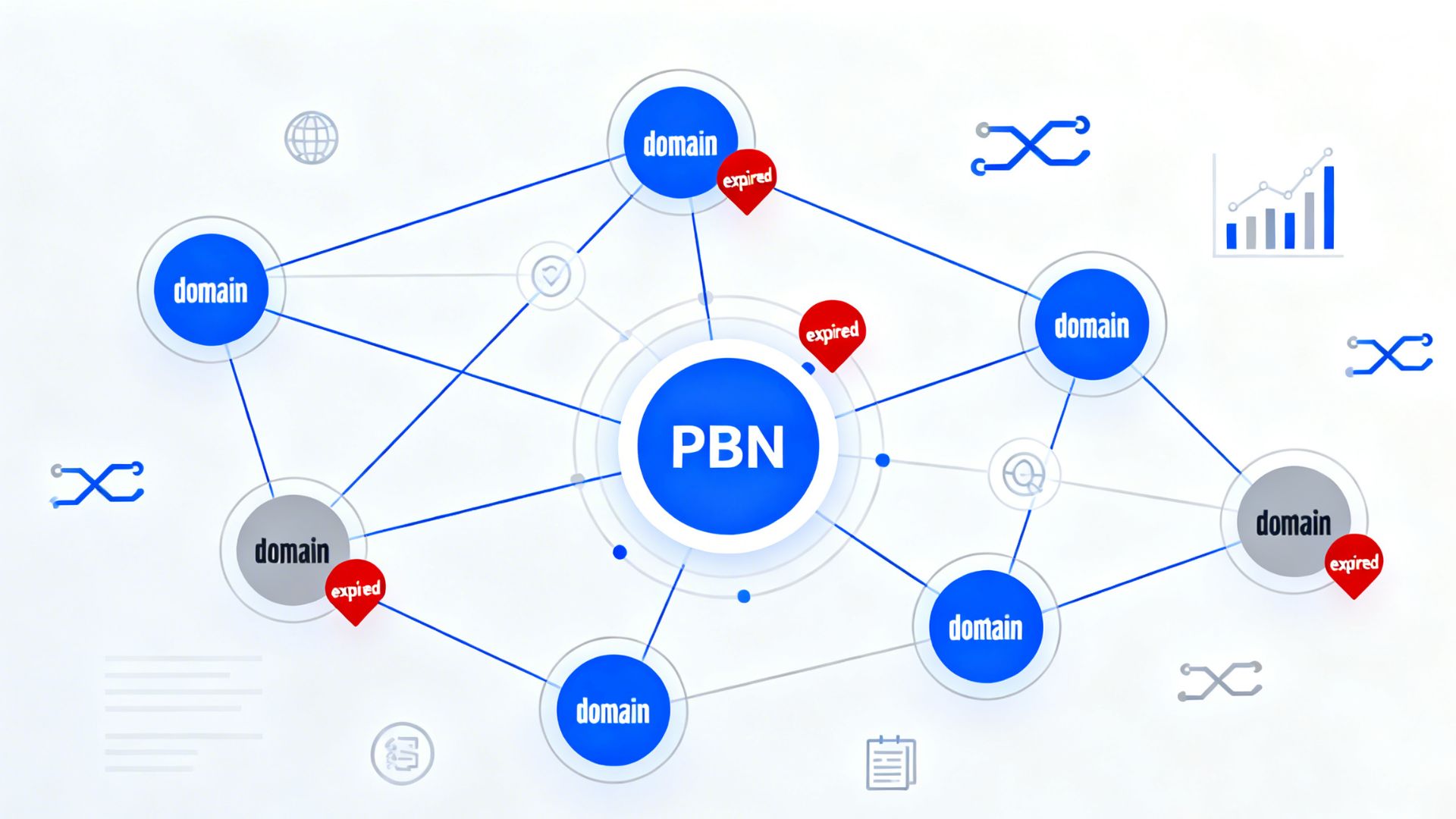

A domain expiry date determines how long a website address remains active and publicly accessible. It affects website availability, professional email systems, and the long-term protection of a brand identity. When renewal deadlines are missed, online services linked to the domain stop functioning without warning.
This article explains what a domain expiry date is and why it is essential for website uptime, professional email systems, and brand protection.
What Is a Domain Expiry Date?
A domain expiry date is the deadline that marks the end of a domain’s active registration period. It exists within a structured domain lifecycle that includes active registration, expiration, redemption, and eventual deletion. Missing the renewal deadline moves the domain into temporary inactive status before permanent removal.
The registration date shows when the domain was first purchased, while the expiry date shows when the current renewal term ends. Both dates appear in lookup records, but they represent separate points in the domain timeline. The expiry date is the key reference point for renewal planning.
After expiration, most registrars provide a short grace period that allows renewal without added penalties. If that period is missed, the domain enters redemption, where recovery fees are significantly higher. When redemption ends, the domain is released back to the public for new registration.
Method 1: Check via Your Domain Registrar
Domain registrars provide the most direct and accurate way to check a domain’s expiry date. Users start by logging into the registrar account and opening the domain management or product dashboard. Each registered domain displays its expiration date along with renewal status and billing information.
Most dashboards also show whether auto-renewal is enabled and which payment method is attached. Account holders may also see information related to domain locking and transfer restrictions. These features help reduce the risk of accidental expiration.
This method is best for domains you personally own since it shows official, real-time data. It is less useful if login access is unavailable or ownership credentials were transferred to another administrator. In such cases, alternate lookup methods become necessary.
Method 2: Use a WHOIS Lookup Tool
WHOIS is a public domain registration database that displays ownership and technical information. It provides data such as registrar name, creation date, name servers, and the expiry date. Users only need to enter the domain name into a WHOIS search tool to retrieve these records.
The expiration field usually appears as Registry Expiry Date or Expires On in the results. This allows users to verify when the current registration term ends. It is helpful when confirming ownership status or checking competitors’ domains.
Privacy protection services often mask the personal contact information of domain owners. Even when this happens, the expiry date normally remains visible for operational transparency. This makes WHOIS one of the most reliable public verification tools.
Method 3: Free Domain Expiry Checker Websites
Free domain expiry checker tools simplify WHOIS data into a user-friendly display. These platforms show the expiration date along with the number of days remaining before renewal is required. Many also show DNS records, IP address details, and registrar information.
These tools are useful for quick single-domain checks without logging into an account. They are widely used by marketers, developers, and website investors. The simplified design makes them accessible even to non-technical users.
Because the data is fetched from external databases, updates may be slightly delayed. This means the displayed expiration status might not reflect immediate renewals. For official confirmation, registrar dashboards remain the most accurate source.
Method 4: Automated Domain Expiry Monitoring and Alerts
Manual tracking becomes risky when managing multiple domains across different projects. Automated domain monitoring services solve this problem by tracking expiration dates continuously. Alerts are sent through email, messaging platforms, or dashboard notifications.
Most monitoring systems allow alerts at specific intervals, such as thirty days, fourteen days, seven days, and one day before expiration. These warnings give administrators enough time to take action. The automation removes reliance on memory and calendars alone.

Advanced monitoring tools support multiple registrars and international top-level domains. This is especially useful for businesses that manage global brand portfolios. It ensures that every domain receives timely attention regardless of location.
How to Check If Someone Else’s Domain Is Expiring
You can check the expiration status of a domain you do not own using WHOIS tools and public expiry checkers, which display expiration dates even without access to the domain account. This information is valuable for research, competitive analysis, and planning to buy expired domains in the future. Some country code domains restrict visibility of registration data, so expiration dates may not always be publicly accessible, depending on national registry policies.
Even when the expiration date is visible, the current owner can renew the domain at any time before deletion, meaning availability cannot be guaranteed until it is fully released. Services like DomRaider provide auctions and drop-catching platforms to help users monitor upcoming expirations and attempt to buy expired domains as soon as they become publicly available. These tools streamline the acquisition process and improve the chances of securing valuable domains efficiently.
SEO and Business Risks of Letting Domains Expire
When a domain expires, the website stops responding, and search engines detect crawl failures. Over time, indexed pages are removed, and ranking positions decline. Backlinks pointing to the expired domain lose their SEO value.
Business operations also suffer from email disruption and customer confusion. Visitors who previously trusted the domain may assume the company has shut down. This weakens brand authority and customer confidence.
If another party acquires the old domain, they may use its existing reputation for unrelated or harmful purposes. This can lead to phishing risks, brand impersonation, and traffic misuse. Recovering reputation after such incidents is difficult and costly.
Best Practices to Never Miss a Renewal
- Enable auto-renewal for all mission-critical domains to prevent accidental expiration.
- Keep payment methods current to avoid failed billing attempts, as many expirations occur due to outdated cards.
- Consolidate domains under fewer registrars to simplify tracking and reduce administrative errors.
- Use a single management panel for consistent renewals and better portfolio visibility.
- Maintain a centralized record of domain, hosting, and SSL expiration dates using spreadsheets or management dashboards.
- Employ multiple tracking systems to add redundancy and minimize the risk of missed renewals.
Recommended Tool Types
Registrar dashboards provide official renewal status and allow direct control over billing and settings. WHOIS tools offer public access to expiration data for nearly any domain worldwide. Free checker platforms condense technical data into simple and readable results.
Monitoring platforms focus on long-term management and automated reminders. They are designed for agencies, investors, and businesses handling large portfolios. Each tool type serves a different management purpose.
Using more than one method together creates a stronger protection system. Official dashboards confirm accuracy while monitoring tools ensure timely alerts. This layered approach reduces the chances of missing expiration deadlines.
Conclusion
Checking a domain’s expiration date is a quick but essential step to prevent major technical and business disruptions. Lost search rankings, website downtime, and potential brand misuse can all be avoided through proper monitoring, ensuring that digital assets remain protected from permanent damage. Staying informed about expiration dates allows website owners to act proactively rather than reactively, preserving both traffic and reputation.
The most reliable approach combines registrar verification, WHOIS checks, and automated alert systems, each adding a layer of confirmation and redundancy. Website owners should review key domains regularly, confirm that renewals are properly configured, and set up automated reminders to add an extra layer of security. These straightforward practices form a dependable domain management strategy that minimizes costly mistakes and safeguards long-term online presence.