
Buying an expired domain can be one of the smartest moves in an SEO or digital business strategy. When a domain has been actively used for years, it often carries accumulated authority, a history of legitimate backlinks, and a reputation with search engines that a brand-new domain simply cannot replicate overnight. That head start is genuinely valuable, and it is why expired domains attract everyone from solo affiliate marketers to large content operations willing to pay hundreds or even thousands of dollars for the right one.
The catch is that not every expired domain is a prize. Some were abandoned for good reason: spam campaigns, manual penalties from Google, or a history of switching between unrelated industries that left their backlink profile a tangled mess. Paying for one of those is not just a waste of money; it can actively damage a new project. The checklist below covers every major checkpoint a buyer should run through before committing to a purchase, in enough detail to make each check genuinely useful.
Verify the Domain’s Actual Age and Continuity
Age and continuity are two different things, and conflating them is a common mistake. A domain’s registration date, which you can find through any WHOIS lookup tool such as who.is, tells you when it was first registered. That number alone, however, does not confirm that the domain has been actively used since that date. A domain could have been registered in 2009, dropped and re-registered three times since, and only started hosting real content in 2021. In that case, its effective age is far shorter than the registration date suggests.
The Wayback Machine at archive.org is the most reliable way to verify continuity. By browsing through the snapshot history, you can see when the domain first appeared with real content, whether there were long gaps where it sat parked or completely offline, and whether those gaps are recent. A gap of six months to a year in the distant past is less concerning than a gap that ended just before the domain went up for sale. Consistent, uninterrupted use is a strong positive signal.
Pay attention to what the domain was used for during those years. A site that spent most of its history as a functional blog about home renovation, then briefly became a parked page showing generic ads before expiring, is very different from one that cycled through multiple unrelated topics. The former likely has organic, relevant backlinks attached to real content. The latter may have been monetized in ways that attracted low-quality links.
An additional detail worth checking: look at the most recent archived version of the site to understand how the domain was last used. If the final version before expiration was a spam-filled doorway page or a redirect farm, that history does not disappear just because the domain has been renewed.
Audit the Backlink Profile Before Anything Else
Backlinks are typically the primary reason people pay a premium for expired domains. A domain with links from authoritative, relevant sites can transfer meaningful SEO equity to a new project. But the backlink profile needs to be examined closely, not just summarized by a single metric.
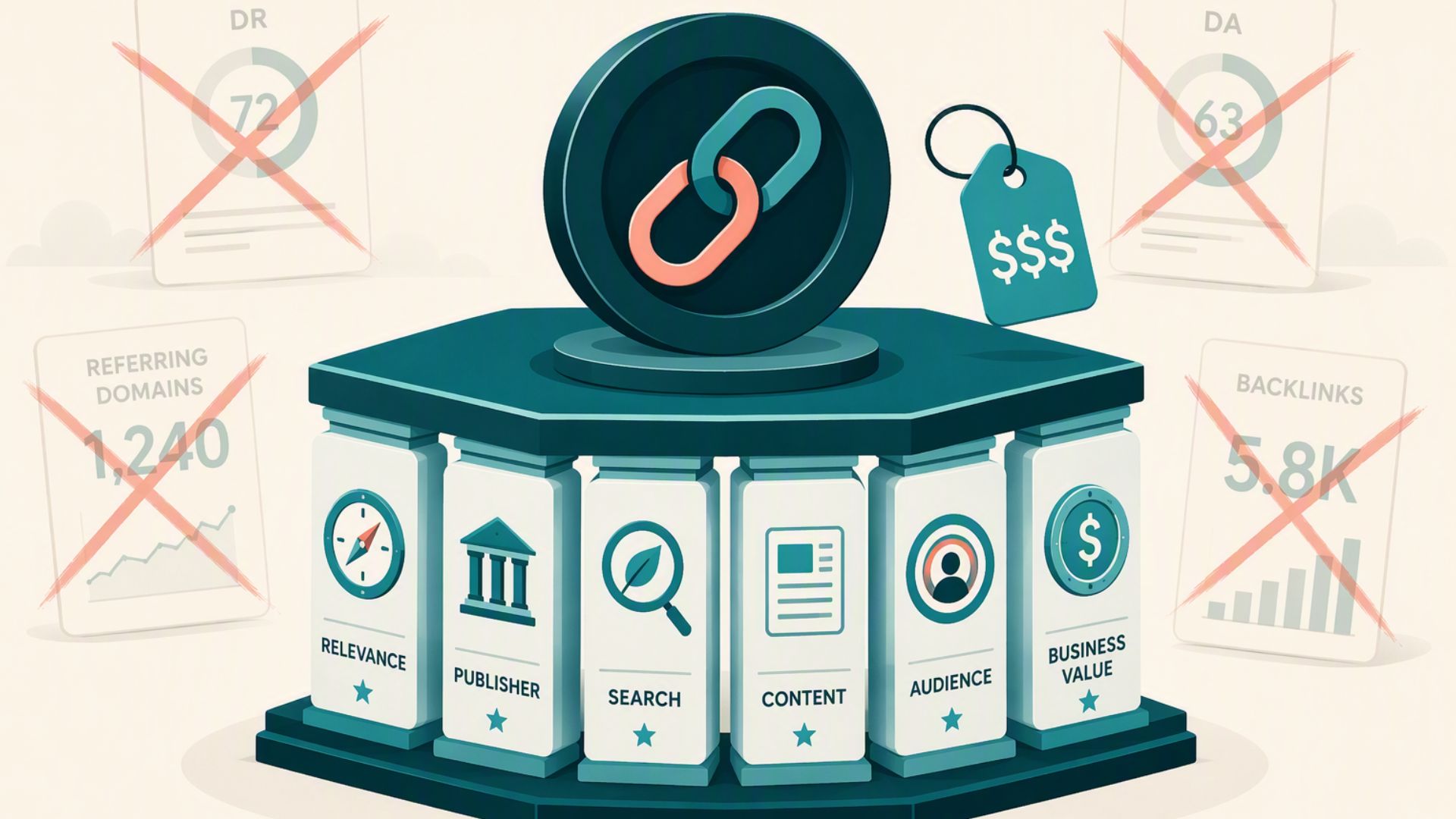
Use tools like Ahrefs, SEMrush, or Majestic to pull a full backlink report. The first thing to look at is the number of unique referring domains, not total links. A domain with 500 backlinks from three websites is far less valuable than one with 150 backlinks spread across 80 genuinely different domains. Link diversity signals organic growth rather than artificial link-building schemes. If your goal is to buy high DR domains that deliver real SEO value, the distribution of referring domains is one of the most telling indicators of whether that authority is legitimate.
The quality of those referring domains matters just as much as the quantity. Look at where the links are coming from. Links from reputable publications, established niche websites, educational institutions, or well-known industry directories are the kinds of assets worth paying for. Links from article directories, foreign-language spam sites, low-traffic blogs with no discernible traffic, or domains ending in .cn, .ru, or other TLDs frequently associated with spam should be treated as red flags. A high volume of links from those sources can mean the domain was used as part of a link scheme.
Anchor text distribution deserves its own analysis. Natural anchor text profiles include a mix of branded anchors (the actual domain name or business name), partial-match phrases, naked URLs, and generic phrases like “click here” or “read more.” If the anchor text is overwhelmingly stuffed with exact-match keywords (for example, “best payday loans” appearing in 70% of all anchors), that pattern strongly suggests the domain was part of a manipulative link-building campaign, which Google can and does penalize.
Check Google’s Current Relationship With the Domain
Before spending money, check whether Google still has any pages from the domain indexed. Type site:domain.com into Google and review the results. If pages appear, that confirms Google has not entirely removed the domain from its index, which is a reasonably positive sign. If nothing appears at all, that result is not necessarily catastrophic, since some expired domains naturally lose their indexed pages over time without being penalized. The context of everything else matters.
What is more concerning is a domain that shows up in Google’s index but with warning labels, thin content, or pages that look nothing like what the Wayback Machine shows. That mismatch can indicate the domain was recently re-registered and used for questionable purposes before expiring again.
Cross-reference with Google’s Transparency Report and any available data from spam-checking tools to see whether the domain has appeared on blacklists for malware distribution or phishing. A domain that hosted malicious software at any point in its history carries that baggage regardless of who currently owns it. Recovering from those types of flags is genuinely difficult and time-consuming.

Evaluate Topical Relevance to Your Intended Use
Search engines do not treat backlinks as universally interchangeable. A link from a food and cooking website pointing to a domain that is about to become a cybersecurity resource provides less value than it would if the new site stayed within the same topical space. This concept, sometimes called topical trust flow, reflects the idea that links carry relevance along with authority.
If you are buying an expired domain to build out a new website in a specific niche, look at what the domain’s backlinks are actually about. A domain that spent years in the health and wellness space, with links from fitness publications and medical directories, is most valuable when pointed toward another health-related project. Repurposing it for an unrelated industry does not erase those links, but it reduces the relevance signal they send to search engines.
The previous content of the site itself contributes to this. A domain that consistently covered personal finance topics has likely been associated with certain entities, terms, and related concepts in Google’s understanding of the web. Building a personal finance site on top of that history aligns with an existing context. Launching a travel blog on the same domain forces Google to relearn what the site is about from scratch, which partially undermines the reason for buying an aged domain in the first place.
Run a Spam and Penalty Screening
Spam scores, as measured by tools like Moz, provide a useful quick-reference point. Moz’s spam score assigns a percentage based on features correlated with penalized or spammy domains. A score above 30% should prompt serious scrutiny. That said, spam score is a heuristic, not a definitive verdict. A domain can have a low spam score and still carry problematic history, and vice versa.
Manual penalty history is harder to detect from the outside, since Google does not publish a public record of manually penalized domains. However, you can infer a lot from the combination of the site’s traffic history (check Ahrefs’ historic organic traffic data) and the backlink patterns. A sharp drop in estimated organic traffic followed by the domain going offline is often a sign the site was penalized before being abandoned. Domains that dropped off after a major Google algorithm update, such as Penguin or Helpful Content, deserve extra investigation.
Also, screen the domain against email blacklists. Services like MXToolbox let you check whether a domain appears on major DNS blacklists used to flag domains associated with email spam campaigns. A domain used for mass email marketing in its past life may still be blacklisted, which would affect any email infrastructure you build on it.
Confirm There Are No Trademark or Legal Risks
A domain that includes a registered trademark in its name creates legal exposure that no amount of SEO value can offset. Before purchasing, search the domain’s keywords or name against the USPTO trademark database (for the U.S. market) or the equivalent registry in your target region. This step is often skipped by buyers focused on metrics, but a cease-and-desist letter after purchase can result in losing the domain entirely and potentially facing legal costs.
Brand searches in Google are also worth running. If the domain name or a close variation of it surfaces as an active business name in search results, that entity may have prior rights even if a formal trademark has not been filed. The domain squatting and cybersquatting laws in many jurisdictions protect brand owners regardless of trademark registration status.
Check whether the domain was previously used under a business identity that still exists. Some companies allow domains to lapse during restructuring but later realize the domain is being used by a competitor or a buyer. That situation can lead to disputes that are both time-consuming and expensive to resolve.
Assess the Domain Extension and Its Relevance
The top-level domain (TLD) matters more than people often acknowledge. A .com remains the default choice for most purposes because of its familiarity, broader recognition, and stronger association with commercial intent. Country-code TLDs (ccTLDs) like .co.uk or .com.au carry authority within their respective regions but may offer limited benefit for a globally targeted project.
Niche TLDs like .io, .app, or .co can work well depending on the audience and industry, but they carry less accumulated trust than a well-established .com with real history. If you are choosing between an expired .com with a strong but modest backlink profile and a more authoritative expired .io, the .com will generally serve a broader strategy better over time.
Be especially cautious about obscure or low-credibility TLDs that have been associated with spam. Google and other search engines have historically treated certain TLDs with greater suspicion, and a domain ending in one of those extensions will face a higher bar to overcome regardless of its content quality.
The Right Buy Is the One You Fully Understand
Buying an expired domain without completing a proper audit is essentially purchasing an unknown asset. The domain may look impressive on paper based on a single number like Domain Authority or Domain Rating, but those metrics are summaries that can mask serious problems. A methodical review of age, backlink quality, spam history, Google indexation status, topical alignment, trademark risk, and TLD quality gives a far more accurate picture of what you are actually paying for. The time invested in vetting a domain before purchase is minimal compared to the cost of building an entire website on a domain that never ranks, or worse, carries a penalty that actively suppresses performance. Every item on this checklist exists because someone, at some point, skipped it and paid the price. Work through each check systematically, document what you find, and only proceed when the evidence supports the investment.